Tag: usps shipping api​

  • What’s the Difference Between UPS Shipping API and USPS Software?

    What’s the Difference Between UPS Shipping API and USPS Software?

    The difference is architectural: UPS shipping API provides a developer-first REST API, while USPS software typically relies on manual, browser-based tools. USPS also offers a modern REST API, but its setup process looks quite different from UPS’s.

    A shipping API is a programmable interface that lets systems generate labels, fetch rates, and track shipments automatically. Shipping software, by contrast, is a visual platform a person opens in a browser and uses by hand.

    That distinction became more important after January 25, 2026.

    What Changed After USPS Retired Its Web Tools in 2026?

    According to USPS official developer communications, Web Tools were fully sunset on January 25, 2026. Those older tools ran on XML and User ID-based authentication. The new USPS REST API requires OAuth-based authentication instead. Any guide that doesn’t mention this change is already out of date.

    This shift caused real friction for development teams. Many had built workflows around the old system and had to rebuild connections quickly. That kind of forced migration takes time and budget that most teams hadn’t planned for.

    With both carriers now modernized, the real differences come down to architecture and onboarding.

    How Does the UPS Shipping API Work in 2026?

    UPS uses an OAuth 2.0 model. Developers get a Client ID and Client Secret. Those credentials must be linked to a UPS.com account that’s connected to a Shipper Number. That Shipper Number is what unlocks access to negotiated rates.

    What Friction Do Developers Run Into With UPS?

    A few pain points come up often. Account linking can be confusing, especially for new developers. Credential approvals sometimes take longer than expected. And rate visibility depends heavily on the shipper profile tied to the account. These aren’t blockers, but they do slow things down during early setup.

    USPS shipping software approaches things differently, and that affects how teams plan their builds.

    Is USPS Label Software the Same as the USPS API?

    No, they’re two separate things. Click-N-Ship and Business Pro are GUI tools. They’re built for people who ship manually through a browser. The USPS REST API is built for automation. It connects directly to systems and doesn’t need a human clicking through screens.

    Here’s a quick breakdown of how they differ:

    UPS:

    • Immediate sandbox access
    • OAuth with Client ID and Client Secret
    • Shipper Number required for negotiated rates

    USPS:

    • Web Tools retired January 25, 2026
    • OAuth-based REST API platform
    • TEM onboarding required before testing

    What Makes Multi-Carrier Integration So Difficult?

    UPS and USPS don’t speak the same language internally. Their timestamp formats differ. Their tracking status schemas differ. Their rate response structures differ. When a team integrates both carriers directly, someone has to write code that translates each carrier’s data into one consistent format.

    The Data Translation Layer Problem

    UPS may return one timestamp format while the USPS REST API returns another, forcing developers to build carrier-specific translation logic. That’s extra work that multiplies with every carrier added. It also means more code to maintain every time a carrier changes its format.

    Which Carrier Is Easier to Test in a Sandbox?

    UPS offers immediate sandbox access once a developer has API credentials. USPS requires a more structured onboarding before test POST requests can run. For agile teams that move fast, that difference in access speed affects sprint planning and release timelines.

    In short, UPS emphasizes developer flexibility and faster sandbox access, while USPS introduces stricter onboarding and migration complexity after retiring Web Tools.

    Should You Integrate Carriers Directly or Use a Unified Layer?

    Building and maintaining two to three carrier integrations can consume 400 to 600 or more engineering hours over the product lifecycle. Add version updates, authentication changes, and status schema shifts, and the maintenance burden keeps growing.

    Modern shipping infrastructure should normalize data, abstract authentication complexity, and protect your system from carrier-specific changes. That’s what a unified layer does.

    How ShipGenius Simplifies UPS and USPS Integration

    ShipGenius acts as an abstraction layer between your system and major carriers. It abstracts OAuth complexity for both carriers, normalizes tracking events into a single data model, and gives development teams access to a single sandbox environment. Teams don’t have to manage separate credential flows or write custom translation logic for each carrier.

    If your team wants to avoid managing multiple carrier migrations, ShipGenius provides a unified layer that scales with your operations.

    FAQs

    Does UPS Require OAuth 2.0 Authentication?

    Yes. UPS uses an OAuth 2.0 model with a Client ID and Client Secret. These must be linked to a UPS.com account connected to a valid Shipper Number.

    Is USPS Web Tools Still Active in 2026?

    No. USPS retired its legacy Web Tools on January 25, 2026. Developers must now use the modern USPS REST API with OAuth-based authentication.

    Can You Use USPS Click-N-Ship for Automation?

    No. Click-N-Ship is a manual, browser-based tool. It’s not built for programmatic access. Automation requires the USPS REST API.

    Which Carrier Is Better for Enterprise Shipping Automation?

    Both carriers support enterprise-level automation through their REST APIs. UPS offers faster sandbox access. USPS requires more structured onboarding. The right choice depends on your volume, carrier contracts, and existing infrastructure.
  • How To Scale Logistics Management Software Using Shipping API Integration?

    How To Scale Logistics Management Software Using Shipping API Integration?

    Shipping has become a major activity in the business world. The number of orders keeps increasing, and customers want their products to be delivered to them quicker and from more locations than before. A good system cannot handle an increase in demand from 500 shipments to 50. Manual procedures are unable to match the pace. Spreadsheets are unable to perform. Tools that are not connected create delays in the process. Companies are looking for solutions that can expand with them rather than put them in a difficult position. The solution lies in how different software components connect and interact with one another.

    What Is Shipping API Integration?

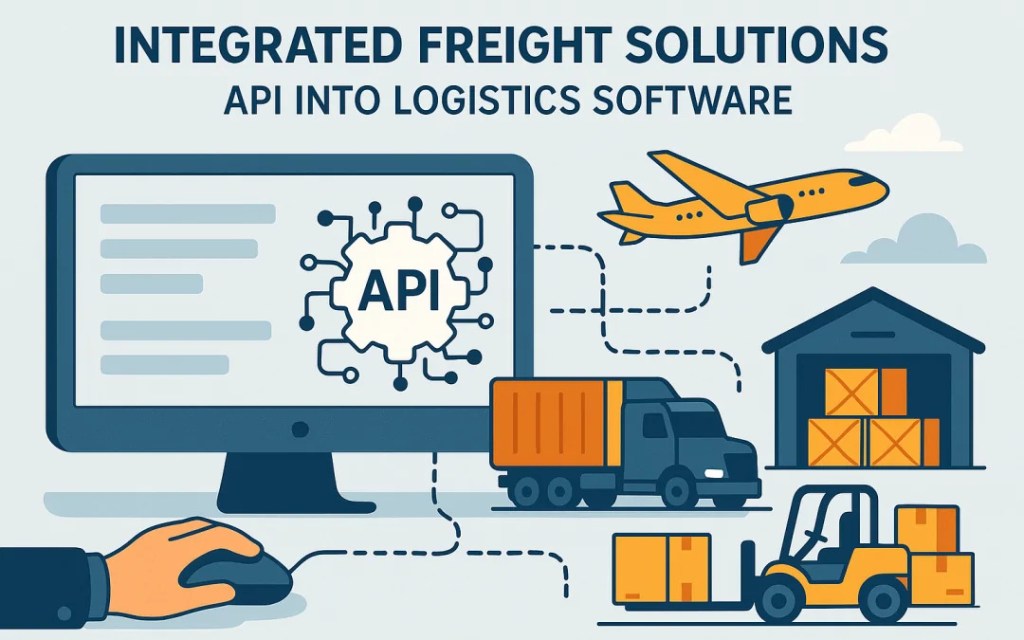
    Shipping API integration connects your company’s business systems to shipping carriers via code. APIs are like translators, enabling different software to communicate in a common language. With API integration, the platform could retrieve shipping rates, generate labels, and automatically monitor parcels without requiring staff to log in to the courier website. The information is exchanged both ways without delay. Your system transmits shipment details to carriers. The carriers, in turn, relay tracking updates and delivery confirmations to you. All of these happen automatically in the background.

    Why APIs Are Important for the Growth of Logistics

    Core Benefits 

    APIs address specific issues that become more pronounced as your operations scale.

    • Rate selection and label generation are done in seconds, not minutes
    • Data entry is completely automated, resulting in little or no errors
    • Constant shipment visibility makes automatic informing of all parties involved
    • Integration of new carriers is an easy task, instead of being tied to the existing complicated workflow

    All of these increase as the number of orders rises. The advantage of saving two minutes per shipment is as few as 10 orders per day. However, for 1,000 orders per day, that would mean 33 hours of saving. On the other hand, these benefits are only applicable if your main system is prepared to grow.

    Preparing Your Logistics Management Software for Scaling

    Logistics management software requires a proper setup before the APIs can work. It is similar to constructing a house; You would need a strong foundation before adding the rooms. The system should be designed so that modules can be added or removed independently. There must be a smooth flow of data between different parts without blockage or duplication. Quick fixes might help to survive daily problems, but they will create even larger ones in the future. Start with the mindset of flexibility. This implies opting for platforms that are already designed to continue growing, rather than ones that are just about to grow and are already barely meeting current needs.

    Best practices for shipping API integration

    Implementation essentials

    The right way to integrate APIs is to follow steps that have proven to work.

    • Prioritize your most significant shipping processes and then advance
    • Test everything exhaustively in a non-production environment before going live
    • Monitor API performance all the time to detect issues at an early stage
    • Restrict customizations to the least possible to steer clear of maintenance difficulties

    Small beginnings are logical. First, perfect one integration, then add more complexity. During testing, keep systems running in parallel so that nothing breaks. Watch how quickly APIs are responding and how often they are failing. Simple configurations are less complicated to fix and more likely to be updated later.

    If you are handling orders through different sales channels, the question of the significance of shipping API integration in multi-channel order management software would become more pertinent to you.

    Common Scaling Mistakes to Avoid

    Avoidable mistakes warp many businesses’ growth. Adding complexity before reaching stability creates disarray. Systems must be reliable at the present volume before they can be expanded. Failure to consider API updates leads to the breakdown of integrations. Airlines frequently modify their systems. If integrations are considered as one-time projects, then they are bound to fail at some point. APIs require constant monitoring and support. Making technical decisions without growth goals in mind is unproductive, as it takes both time and resources.

    How ShipGenius Enables API-Driven Growth

    ShipGenius has created its platform with businesses that demand to scale in mind. Their developer-friendly APIs connect to different carriers through a single integration, rather than building separate links for each. From a single access point, the system deals with USPS, UPS, FedEx, and DHL Express. The GraphQL API enables developers to retrieve the precise data they need without unnecessary complexity. It is built to accommodate volumes ranging from startups to enterprises without requiring platform changes.

    Moving Forward With Scalable Logistics

    API integration is not just about fancy technology, but scaling logistics. It is about creating systems that work harder as your company grows rather than making your team do more work. The proper way of doing things meets present demands and adds future flexibility. If you are looking to scale your logistics operations, consider ShipGenius’s role in scalable logistics through powerful API capabilities.

    FAQs on Scaling Logistics With Shipping APIs

    What is the process involved in scaling logistics software?

    Scaling logistics software means that a company can handle more shipments, use more carriers, and explore new markets without interruption to existing processes. Your system handles 10 times the amount of work without 10 times the effort.

    In what ways do shipping APIs aid in the process of scaling?

    APIs automate data exchange between systems, eliminating long-standing manual bottlenecks. They can execute a thousand transactions in the time it takes a person to do one.

    Is API-based scaling a privilege reserved for large enterprises?

    Not at all. Growing businesses benefit from early API adoption. When you build scalability into your operations from the beginning, you eliminate the need for a later transition.

Design a site like this with WordPress.com
Get started